

Always add width and height attributes to your images.
Why?
This is to solve the age-old problem of layout shift as an image loads. This used to be a problem back in the early years of the web, then it was solved with this very same solution.
The trouble is that resizing images in CSS for responsiveness came along and broke that solution so everyone stopped using it - but now it's fixed again! 🥳
What is layout shift?
This is where the page's content moves around whilst it's loading. Images are a really common cause of this because they take longer to load than text does. So let's assume that you have a really simple page layout like this one...
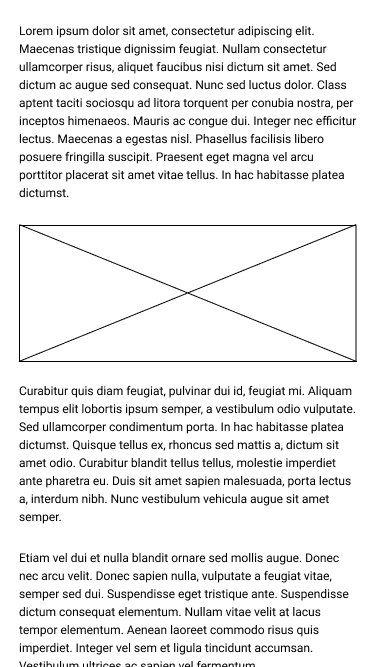
If you have no width and height set, the browser will assume that the image is 0px in height and the page will begin loading without leaving the space for the image as shown in this next screen.
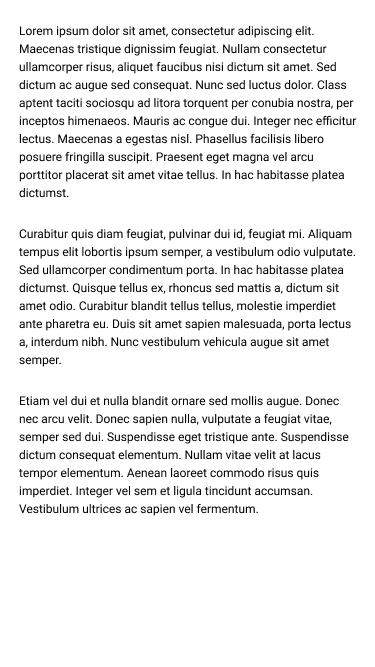
So when the image does load, the paragraphs below it will shift downwards to make space.
If, however, you do add width and height, when the page begins loading, the browser makes sure the right amount of vertical space is left for the image as shown in this screen.
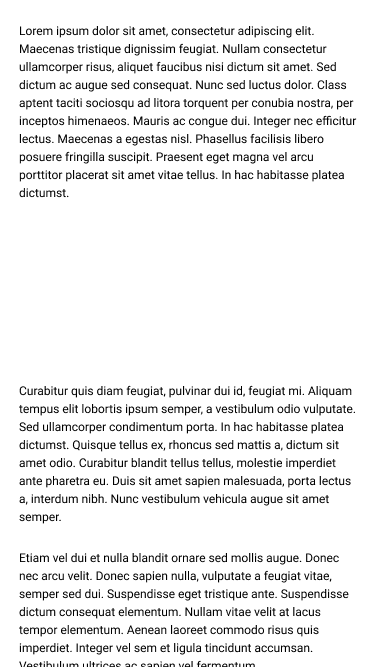
Then there's no layout shift and when the image loads it just slots into the space that's been left for it.
But what about responsiveness?
So the amount of space the image uses changes as the viewport size changes? So how do you know what the width and height will be?
That's not the right question.
The question is how many pixels the actual width and height of the original image are. That's what you need to add...like so:
<img width="900" height="600" src="./my-face.jpg" alt="My face" />
OK, but...what about responsiveness?
So you're resizing the image in CSS, and you might have something like:
img {
  width: 100%;
  height: auto;
}
This is absolutely fine. The (modern) browser will do the calculation to ensure that the required vertical space is set aside for the image when it loads.
The caveat is that if you're using the width as the dimension for scaling the image responsively in CSS, then the height must be set to auto in CSS to avoid the browser falling back to using the fixed value you added in your HTML attribute. This also applies the other way around, if you use the height dimension for responsive scaling then you must set the width to auto.
So you don't forget, let's say that one more time...
Always set the value of the dimension that isn't used for responsive scaling to auto.
What about "responsive images"?
If you're using srcset then you're fine. All you need to do is add a width and height from one of the images.
If you're using the picture element with multiple images via the source element that intentionally have different aspect ratios, then there isn't a solution ready yet. The current plan is to add width and height attributes to the